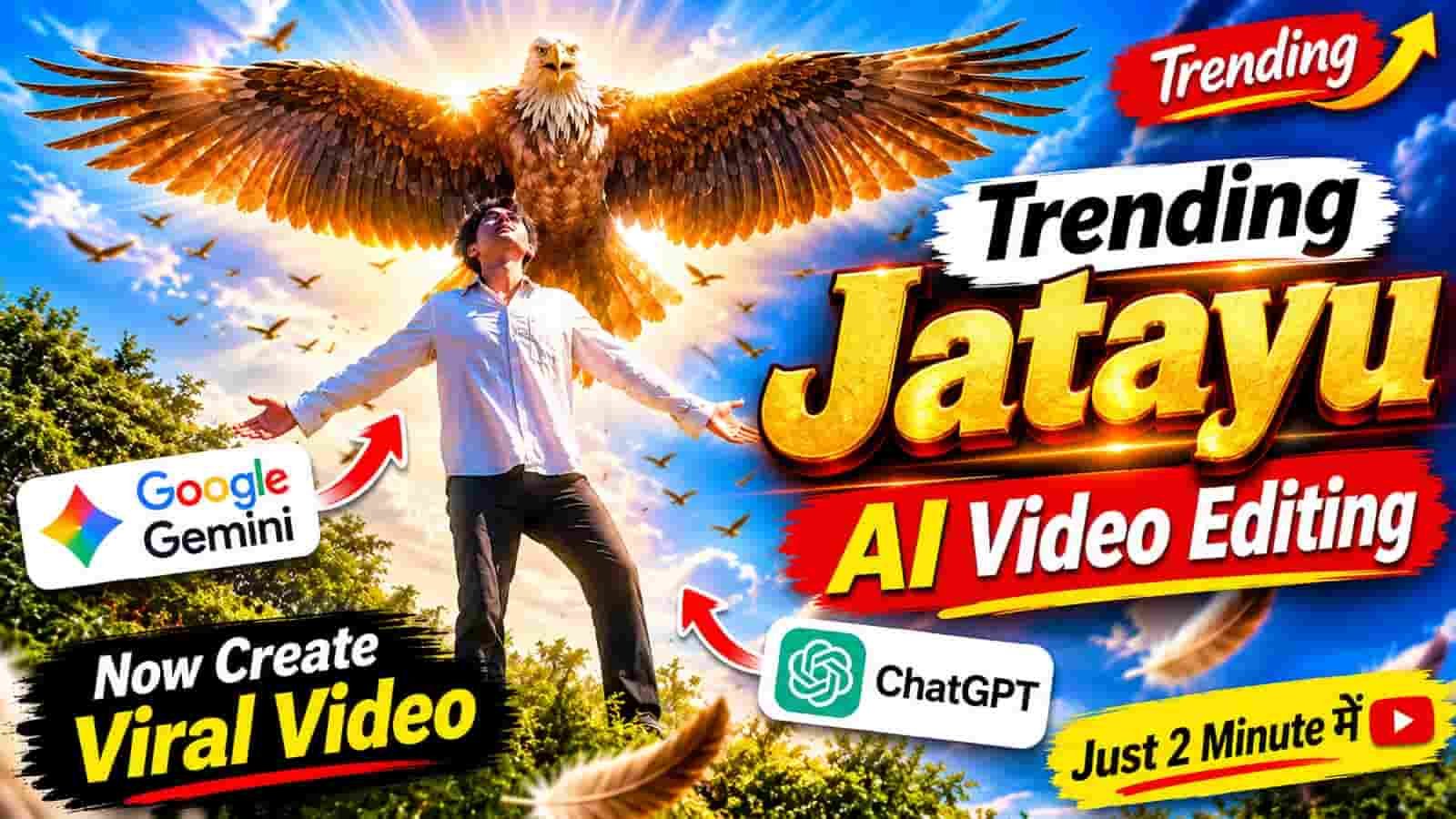
In 2026 we are seeing a trend of Jatayu AI Video Editing In this post I will share how to make Jatayu go viral via AI tools with your own photo. If you’ve been on Instagram lately and you come across Reels of the giant Jatayu bird which is flying behind a person which is an everyday scene in your feed, you’ll agree that this editing trend is very impressive. Many creators are jumping on this bandwagon which is to give a regular photo or video a professional movie look. The best thing is that you do not require professional editing skills or expensive equipment to get started. With Google Flow we have made it easy just use our reference video, your photo, and the right AI prompt and you can create your own. I will take you through from the download of the required files to the generation and editing of your final video. Also please check out this full post for in depth instructions.
Why Is the Jatayu AI Video Trending?
Friends I will start off by telling you what AI video editing is. This is a type of video which we create using a photo and a prompt in an AI tool. Also you may use a reference video to generate a new one which will have the style and movement of the reference but the subject (or “creator” is replaced. In the past turning a photo into for example a cricket theme required a great deal of work, time and extensive editing. But now you can do this with the single click of a button and also produce a cricket theme video in seconds.
Best AI Tool for Creating Jatayu Videos
For the popular Jatayu AI video which went viral, Google Gemini is an excellent choice for new and professional content creators. It has the latest in video generation which we see with Gemini Omni which turns pics into moving video and edits preexisting clips with just a few words. You upload your personal pic, describe the grand Jatayu eagle theme, and out comes a film quality video. Also you may use a ref video to base the scene on and fine tune with more prompts.
How to Use Google Gemini
- Open Google Gemini.
- Select video creation option
- Upload your photo and reference video
- Select the video creation option.
- Paste Jatayu AI video prompt.
- then Submit and wait for the result.
Use @video1 as the strict reference for all actions, gestures, timing, camera movements, framing, editing, the giant eagle, the flying birds and all visual effects.
Replace the man in @video1 with @image1. Preserve the complete character design from @image1: face, hair, beard, skin tone, body proportions, clothing and distinctive details. His face must be clearly visible and exactly @image1 in every frame, from the first frame to the last — never the original man’s face, never blended or morphed.
Keep the giant reddish-brown eagle (Jatayu) exactly as in @video1: the same huge size, the same golden-brown glowing feathers, the same moment it rises up behind him with wings spread wide, the same slow powerful wingbeats and the same flock of small birds flying around. Keep the original sky, clouds, dry bushes, lamp posts, warm golden color grade, low camera angle, duration and aspect ratio. Change only the man’s appearance.
No text anywhere: do not copy or create any words, letters, titles or captions from @video1. The sky stays clean.
NEGATIVES: any text, letters, words, titles, captions, subtitles, original man’s face, identity swap, face morphing, appearance drift, altered actions, smaller eagle, missing eagle, extra characters, distorted faces, extra limbs, distorted wings, flickering, new scenes, logos, watermarks.
Tips for Getting Better AI Video Results
Use high quality personal photos. For reference video go for clear action. Out of blurry or heavily edited videos stay away. In regards to the changes you want focus on what you do want. When you can, use the same camera angle as the original. Before you hit download play the generated video through. Use appropriate music from what the social platform has available. Don’t go over board with filters at the end. Also at all times be respectful of other creators’ rights when you use their video, music or other materials.
How to Edit Your Final Jatayu Reel
After you download your generated video you can use VN or CapCut for better results.
Here are the editing steps:
- Open CapCut or VN
- click on new project.
- Import your generated Jatayu video.
- Trim unnecessary Parts in Your Video beginning or ending frames.
- Adjust contrast, brightness and saturation if needed.
- Add trending background music.
- Export your final video in a suitable resolution.
My suggestion: Avoid putting in too many transitions and effects. The Jatayu reveal is what should be the focus of your video.
Why Trust Us?
At Trend Guruzi we are on a mission to make AI photo and video editing accessible for beginners and content creators. We do this through practical tutorials, easy to follow instructions, useful prompts, and creative ideas. Also we encourage our readers to check the official tool documentation as AI features, generation limits, and settings are always changing. We aim to help creators understand the process rather then to just give out complex instructions.
Final Thoughts
In 2026 The New Jatayu Video Editing Trend is a foray into what AI video creation is capable of. With Google Flow you are able to use a reference video and a clear picture to produce your own cinematic Jatayu inspired scene without professional video editing skills. I hope that this Trending Jatayu Reel Editing Tutorial is what you were looking for in which to see how to get Jatayu to go viral with AI. If you’ve been looking to do Jatayu AI Video you can start with the reference video method and then try the image to video prompt alternative out. As you go along, keep coming up with new creative ideas, and don’t stress if your first go at it isn’t perfect. Follow Trend Guruzi for more AI video editing tutorials, trending prompts, and creative editing ideas. If you found this tutorial helpful do share it with your friends and get out there and create your very own Jatayu AI video today!