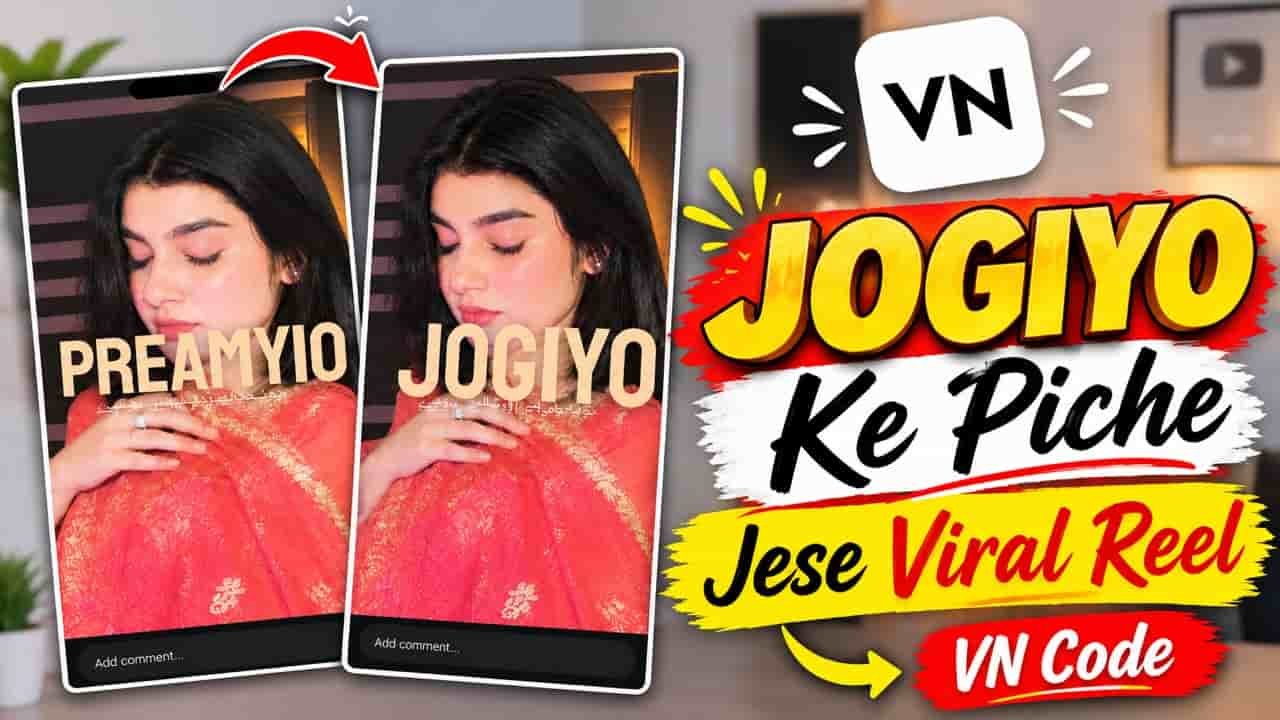
Trending Jogiyo Ke Piche Slow Motion VN Code In this post I am to share with you how you can create what is basically a viral styled video using the Jogiyo Ke Piche song and a read made VN code. Guys if you are into making Instagram Reels, WhatsApp status videos, or aesthetic music edits this is the style of edit you should try. You don’t require professional editing skills or hours of manual work. Just get the VN code, open it in VN Video Editor, add your favourite photos or video clips and export your final edit. I will take you through it step by step from A to Z so even beginners can follow along easily. So do check out this full post for a better understanding.
What Is Jogiyo Ke Piche VN Code Editing?
Jogiyo Ke Piche based templates in VN code editing which are prearranged for videos to that song. Transitions, effects, clip timing, and music sync are all set so that which goes out as an appealing short video requires less work.
A shared VN template which takes the work out of building each transition from scratch. Open a template, replace the sample media with your own photos or video clips and the base is set for a slow motion reel, aesthetic video, or cinematic status post. Use the template as a base then put your own touch.
Why Is This Song Editing Style Interesting?
Music is a large component of what makes ordinary photos and short video clips more interesting. A proper track paired with smooth transitions will change the feel of the piece. Jogiyo Ke Piche is a great central audio theme for a creative reel. You can play around with different clips, expressions, camera movements and slow motion moments. Here are some ideas for this editing style:.
Create a pretty Instagram Reel. Put together a stylish personal video. Make a filmic WhatsApp status. Combine many photos into a music edit. Share out your creative edits with friends. Also play around with different visual styles for your content. For example use natural outdoor clips for a soft look or dramatic lighting for a very dramatic result.
Features of This Trending VN Code
A good quality VN template makes video editing a breeze and we have some features that we would like to bring to your attention:.
- Smooth Slow Motion: Highlights key moments with slow motion.
- Beat Sync Transitions: We match video transitions to the beat of the music.
- Aesthetic Touches: We add in filters and color adjustments for that extra style.
- Easy Media Insertion: Add in your own photos and video clips.
- User Friendly Editing: Create great videos without having to do all the manual editing.
What You Need Before Editing
Before you begin your Jogiyo Ke Piche aesthetic video editing project with VN code get a few things together. Requirement.
Purpose
VN Video Editor
Open and edit the template
VN QR code or template file
Import the ready-made project
Personal photos
Replace sample images
Short video clips
Create motion and slow-motion scenes
Internet connection
Download the template if required
Phone storage
Save the final video
Best Settings for Aesthetic Reels
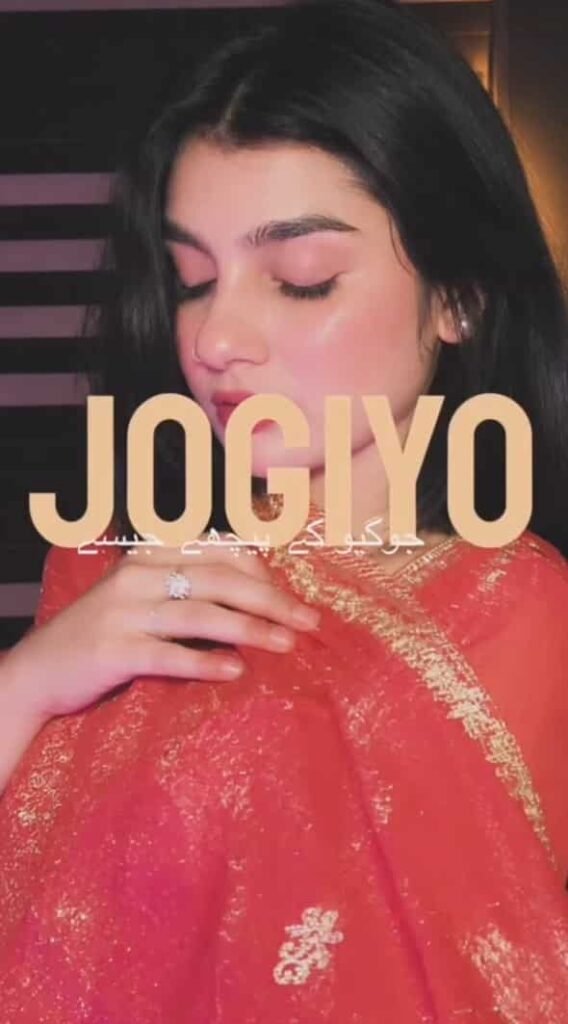
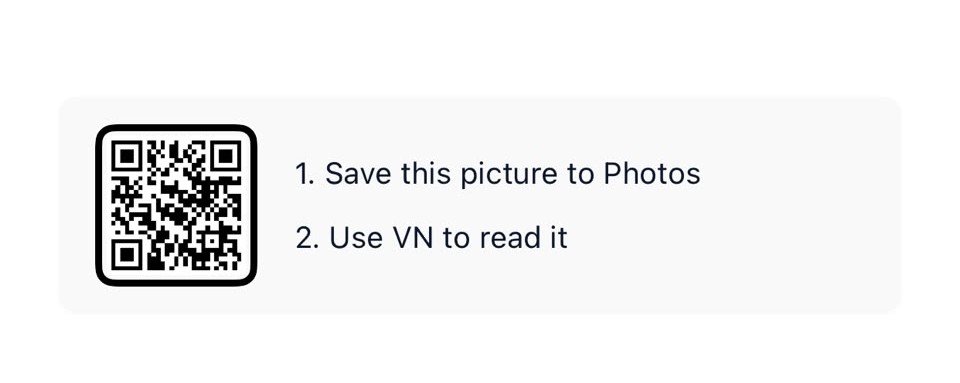
VN CODE ⤵️
Best Settings for Aesthetic Reels
Good export choices preserve the look of your footage, though the best options depend on the original file, your device, and where you plan to post it.
Setting – Suggested choice
Aspect ratio – Use 9:16 for vertical Reels
Resolution – 1080p works for most social posts
Frame rate – Match the source footage whenever possible
Quality – High
Video format – Choose MP4 when available
Audio – Preview the video and confirm that the sound stays synchronized
If the source video was shot at 30 FPS, export it at 30 FPS to start.
High-frame-rate footage intended for slow motion can be exported using the frame-rate settings your project supports.
For additional guidance, check the official VN Help Center’s export settings documentation.
Conclusion
The Trending Jogiyo Ke Piche Slow Motion VN Code which is what creators use to put together attractive music videos without the need to edit for hours. With your favorite photos, smooth transitions, and slow motion effects you are able to create beautiful reels for Instagram, WhatsApp Status, or YouTube Shorts. If you are into Jogiyo Ke Piche Aesthetic Video Editing VN Code, a Viral Jogiyo Ke Piche Song Editing Template, or Jogiyo Ke Piche Cinematic Status Editing VN Code the process is very simple. Just scan the VN code, add your photos or videos, preview your edit and export it. We constantly are coming up with new editing ideas and also we ask you to follow Trend Guruzi for more trending VN codes, AI photo editing prompts, and creative tutorials.