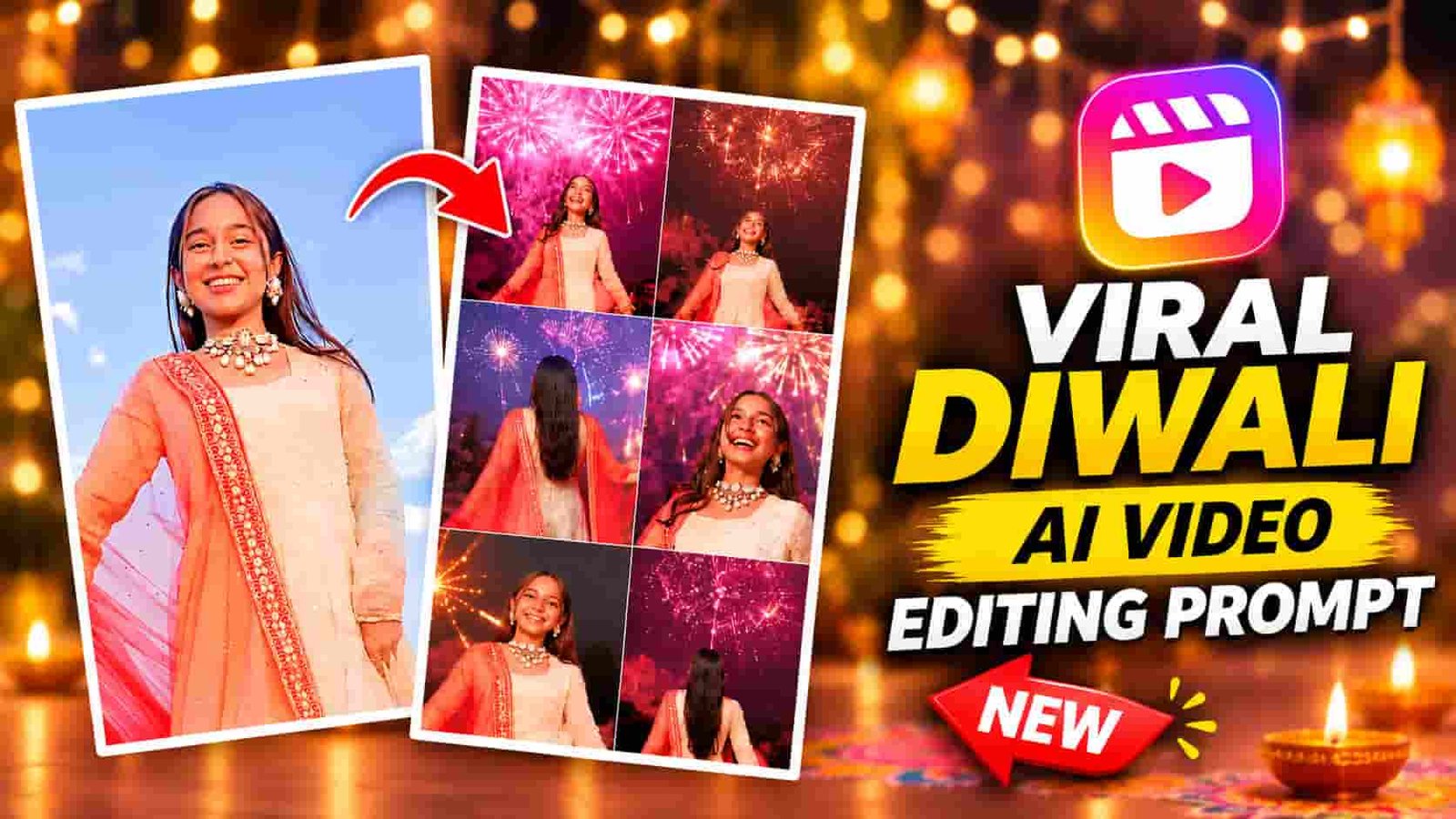
Trendy Diwali AI Video Editing Prompt 2026 In this post I will be sharing with you some very creative and amazing AI video editing ideas that will have your normal photos looking like beautiful Diwali videos. Guys if what you want is to put out something special for this Diwali and to share attractive videos on Instagram, YouTube Shorts, or WhatsApp, these prompts are for you. With realistic lighting, flickering diyas, explosive fireworks, and cinematic camera work you can create a great festive video even if you are a beginner. The process is easy, and we won’t require professional video editing skills. Just pick your favorite photo, use an AI video generator, and follow the steps I have shared below.
What Is a Diwali AI Video Editing Prompt?
A Diwali AI Video Editing Prompt is a written out instruction set that you give to an artificial intelligence video software which in turn animates a photo or produces a festive video. Instead of going in and adding each effect by hand you describe the visual style, lighting, camera movement, background animation and other elements you want in your video. For example you may upload your head shot and ask the AI tool to create a cinematic Diwali celebration with glowing diyas, golden lights, colorful fireworks, and a great festive atmosphere. The AI tool will use your image and your instructions to produce a short video. This makes AI video editing a great option for beginners, Instagram creators, photographers and really anyone that wants to put out attractive festival content.
Why Is the New Diwali AI Video Editing Trend 2026 Popular?
AI video editing is a growing creative platform for social media users which it does for the visual storytelling. During Diwali we see people share festive pictures, greeting videos, family memories, and creative status updates. Here is what is causing the New Diwali AI Video Editing Trend to take off:.
Realistic animation: Transform everyday photos into video scenes. Festive feel: Put out glowing diyas, put up decorative lights, add in the fireworks. Cinematic look: We’ll get you professional grade camera movement, lighting effects. For the beginners: Start with a photo and a easy go at it text prompt. For social media: Make videos for Instagram Reels, YouTube Shorts, and WhatsApp. Creative freedom: Play with traditional, modern and cinematic styles. Also you can mix your generated clips with music, transitions and text using a regular video editor.
Best Diwali AI edited video for 2026.
If you are looking for a beautiful and realistic Diwali video, try this. This prompt is for image to video AI tools which support upload of a reference image. Copy This Trending Diwali AI Video Prompt.
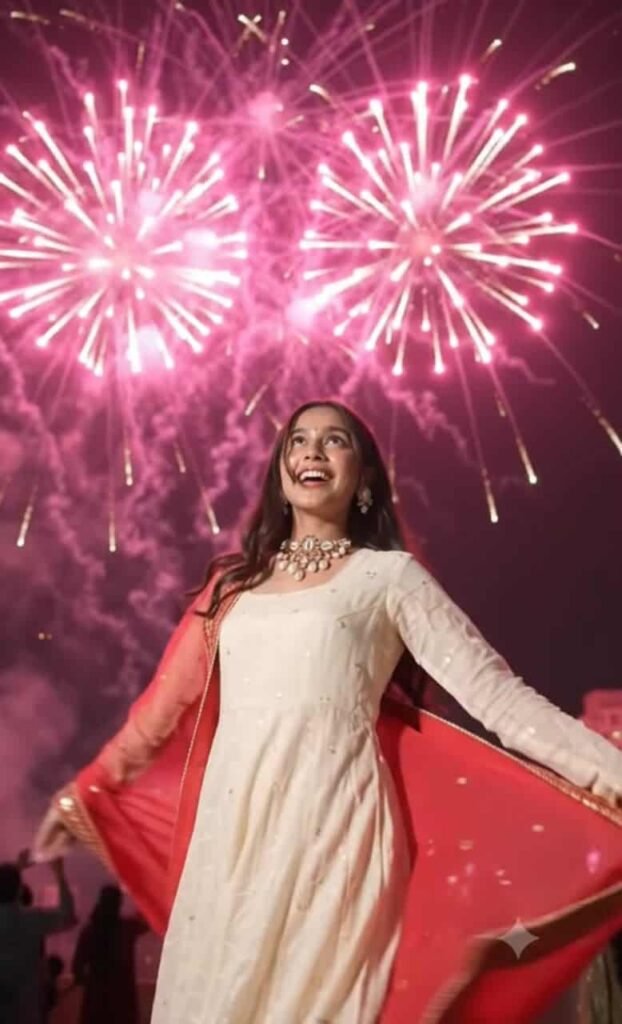
ASPECT RATIO: 9:16 VERTICAL. Here is a highly detailed, comprehensive description of the video, broken down into its visual phases, technical aspects, and minor details. This can be used as a master prompt for video generation or a thorough analysis. Perspective & Angle: The video is shot from a distinct low-angle perspective, looking directly up at the subject. The camera is held in portrait mode, but the footage is rotated 90 degrees counter-clockwise (the horizon is vertical, and the subject appears horizontal in the frame). Vibe & Theme: A festive, cinematic Diwali transition video capturing the contrast between a calm evening and a vibrant, explosive fireworks celebration. Setting: An outdoor urban rooftop or open plaza at night, surrounded by tall city buildings with illuminated windows. (00:00 – 00:02): Subject: A young woman with long, dark, wavy hair. She has a warm, glowing complexion and is wearing subtle makeup. Attire: She is wearing a traditional/semi-traditional Indian outfit. It consists of a mauve/dusty rose colored dress (anarkali or similar flowy silhouette) featuring a bodice with a bold white floral print. A matching sheer, lightweight dupatta (scarf) with a delicate border is draped over her shoulders. Pose & Action: She is looking down toward the low-angle camera with a soft, confident smile. Her right hand is raised, gently touching or brushing her hair. She then begins to pivot her body, initiating a slow, graceful spin away from the camera. Background: The sky is in the “blue hour” of twilight, showing a gradient of soft dusky blues and faint purples. City buildings with warm yellow window lights are visible in the periphery. Text Overlay: Elegant, white, italicized serif text floats in the upper center of the frame reading: “Save this for your diwali transition”. (00:03 – 00:04): Action: The woman completes the first half of her spin. Her back is now to the camera. As she turns, the sheer mauve dupatta catches the air and flares out dramatically, creating a large, sweeping, wing-like shape that briefly obscures the background. Lighting Shift: As the fabric sweeps across the frame, the environment instantly transitions from twilight to deep night. Background Details: The sky is now pitch black, illuminated by the first streaks of golden-orange fireworks shooting upward. The city lights in the background appear much brighter and sharper against the dark sky. A person in a yellow shirt is faintly visible on the far left edge. (00:05 – 00:07): Subject Action: The woman is mid-spin, now facing the camera again. Her head is tilted back slightly, looking down at the lens, and her hair is flying dynamically from the momentum of the spin. Fireworks & Atmosphere: The sky explodes with bright, neon-green fireworks. Thick, billowing white smoke trails from the fireworks crisscross the sky, creating a textured, cloudy backdrop. The green light casts a vibrant, ethereal glow over the entire scene, reflecting off the woman’s skin and the sheer fabric of her dress. Crowd Details: The low angle reveals the surrounding crowd. In the lower left, a man wearing a red t-shirt and a grey backpack is looking up, holding a smartphone to record the sky. At the top of the frame, another person in a light green shirt is also holding up a phone. (00:08 – 00:10): Subject Action: She continues her fluid spin. Her face is fully visible, illuminated by the flashing lights, wearing a joyful, awe-struck expression. The white floral pattern on her bodice stands out sharply against the dark, colorful background. Fireworks & Atmosphere: The color palette of the fireworks shifts dramatically to deep reds, magentas, and bright pinks. Massive, starburst-style fireworks explode high in the sky. The smoke is now thick and heavily tinted pink and purple by the explosions. Crowd Details: The man in the red shirt is still visible in the foreground. At the top left, a person in a dark, sparkly shirt is holding a phone, its bright screen clearly visible. The dynamic lighting creates high-contrast shadows and highlights on the subjects. (00:11 – 00:13): Subject Action: The woman completes her full 360-degree spin. Her back is to the camera once more. Her long dark hair whips around in a final, cinematic arc. She is now facing away from the camera, looking up at the grand finale of the fireworks display. Fireworks & Atmosphere: The sky is a chaotic, beautiful canvas of red, gold, and white streaks. Multiple rockets shoot upward simultaneously, leaving long, glittering trails. The smoke is dense, filling the upper atmosphere. Background Details: The city buildings at the bottom of the frame (which appear on the left due to the video rotation) are clearly visible, including one building with a lit sign that appears to read “VGA”. The crowd remains captivated, with multiple phones held up in the air, capturing the massive pyrotechnic display.
My Personal Experience Creating a Diwali AI Video
I personally created my Diwali AI video using Google Gemini, and honestly, The video had amazing lighting which was very realistic, great festive decorations, and also very cinematic. What I loved the most was how I was able to transform my everyday photo into a professional Diwali video with just a few words in the prompt. Even without professional editing skills, I was able to create something that looked amazing.
Final Thoughts
Creating that perfect festive video does not always require in depth editing skills. We have the Diwali AI Video Editing Prompt which will have you playing with glowing diyas, colorful rangoli, cinematic fireworks, and realistic festive backgrounds. Also in 2026 we have the Viral Diwali AI Video Prompt and the New Diwali AI Video Editing Trend which will put you in the creative driver’s seat for social media. Also try out the Diwali Special AI Video Editing Prompt 2026 and the Trending Happy Diwali AI Video Prompt to put together very personal greetings for your friends and family. So go on, pick your favorite photo, use the prompts we have shared in this article and create something beautiful for this Diwali.
Why Trust Us?
At Trend Guruzi we present a collection of easy and practical AI photo editing tips, video editing concepts, and creative tutorials for new and experienced creators. We put in simple instructions, useful prompt examples, and editing tips which do not require professional experience to grasp. Our content is to present the creative process and we do not promise viral results. AI generated videos will differ based on the tool, model, reference image, and settings. We recommend you play around with different prompts and to very carefully check the output of the generated content.